
Review
Infantry Combat Training Simulator
Our next review of shooting simulators takes us to India, more precisely to the city of Mumbai, since that is where the headquarters of Tecknotrove Systems is located, a developer of virtual training and simulation solutions. For context, Tecknotrove Systems, founded in 2002, operates as the technology division of a large group of companies and builds simulators not only for the military sector, but also for aviation, transport, mining and construction. Despite this impressive list, what caught our particular interest was the infantry trainer Infantry Combat Training Simulator, part of a large line of professional military training systems. The manufacturer calls the Infantry Combat Training Simulator a weapons shooting simulator for the army, navy and air force, inadvertently overstating the scale of its project, but judging by what we were able to gather from publicly available information, the system in question seemed somewhat basic to us by today's standards. And, as you can imagine, we have something to compare it with, but first things first.
Configuration
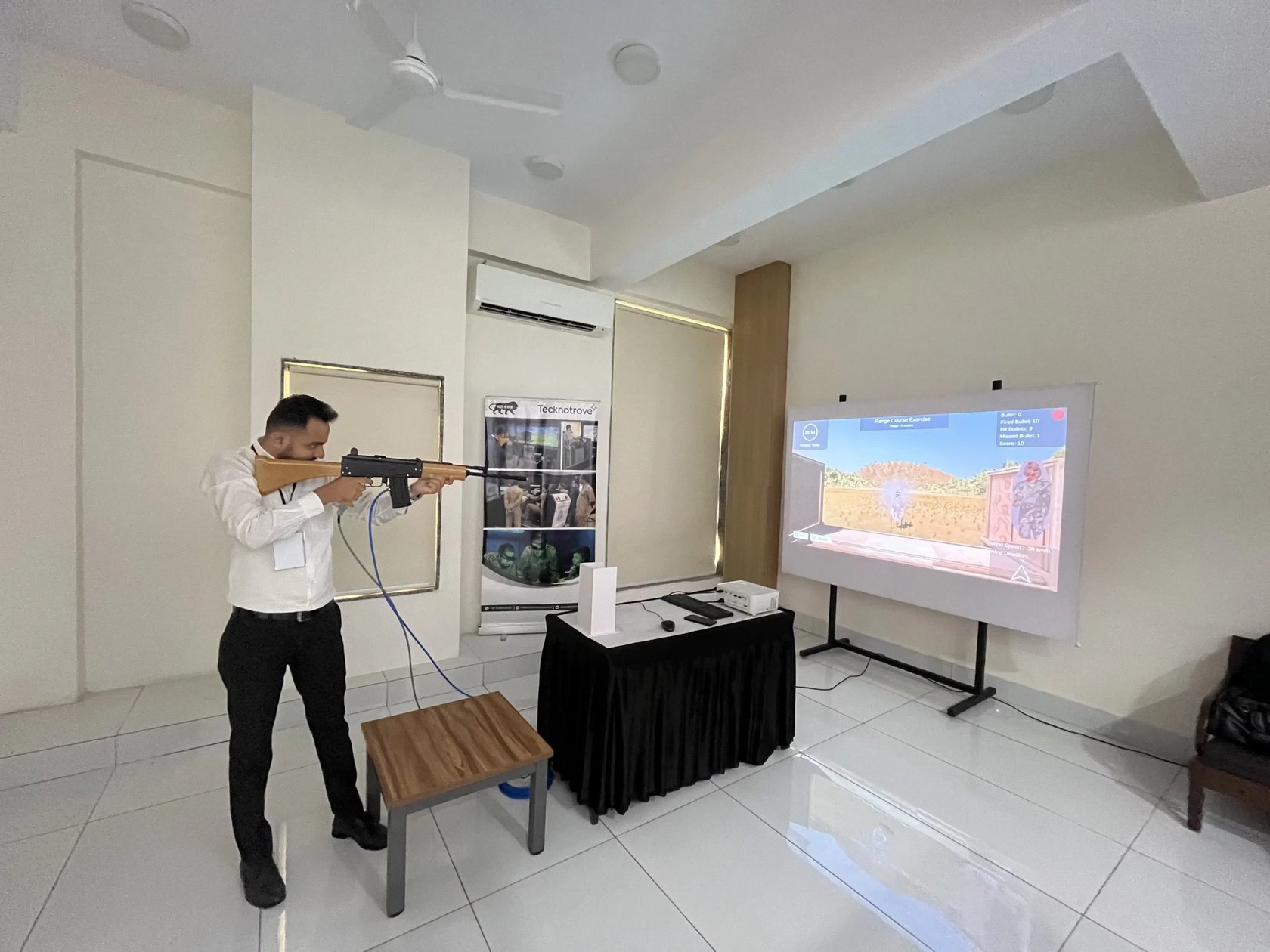
If with most modern home training systems we would start with a laser cartridge and a smartphone, as, for example, in the iTarget or Brass Laser Training System training systems, here we are dealing with a stationary projection system limited by a wired connection. The system includes a computer with software, a projector and the projection screen itself, which displays the virtual target environment. The manufacturer does not publish an exact description of the basic package, which means this is a product not intended for mass private use. Therefore, it is impossible to name in advance the cost, the room size or the number of firing lanes.
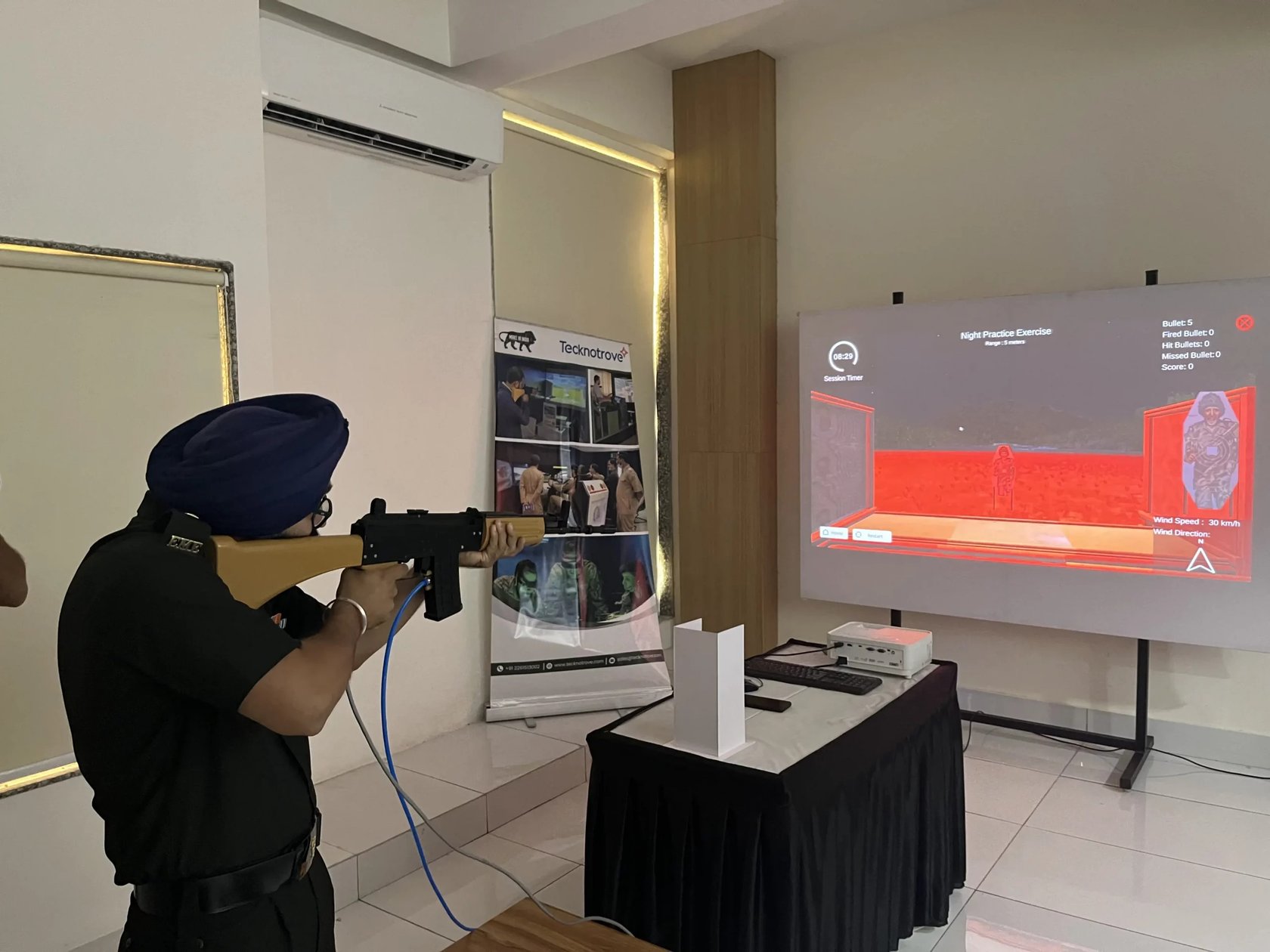
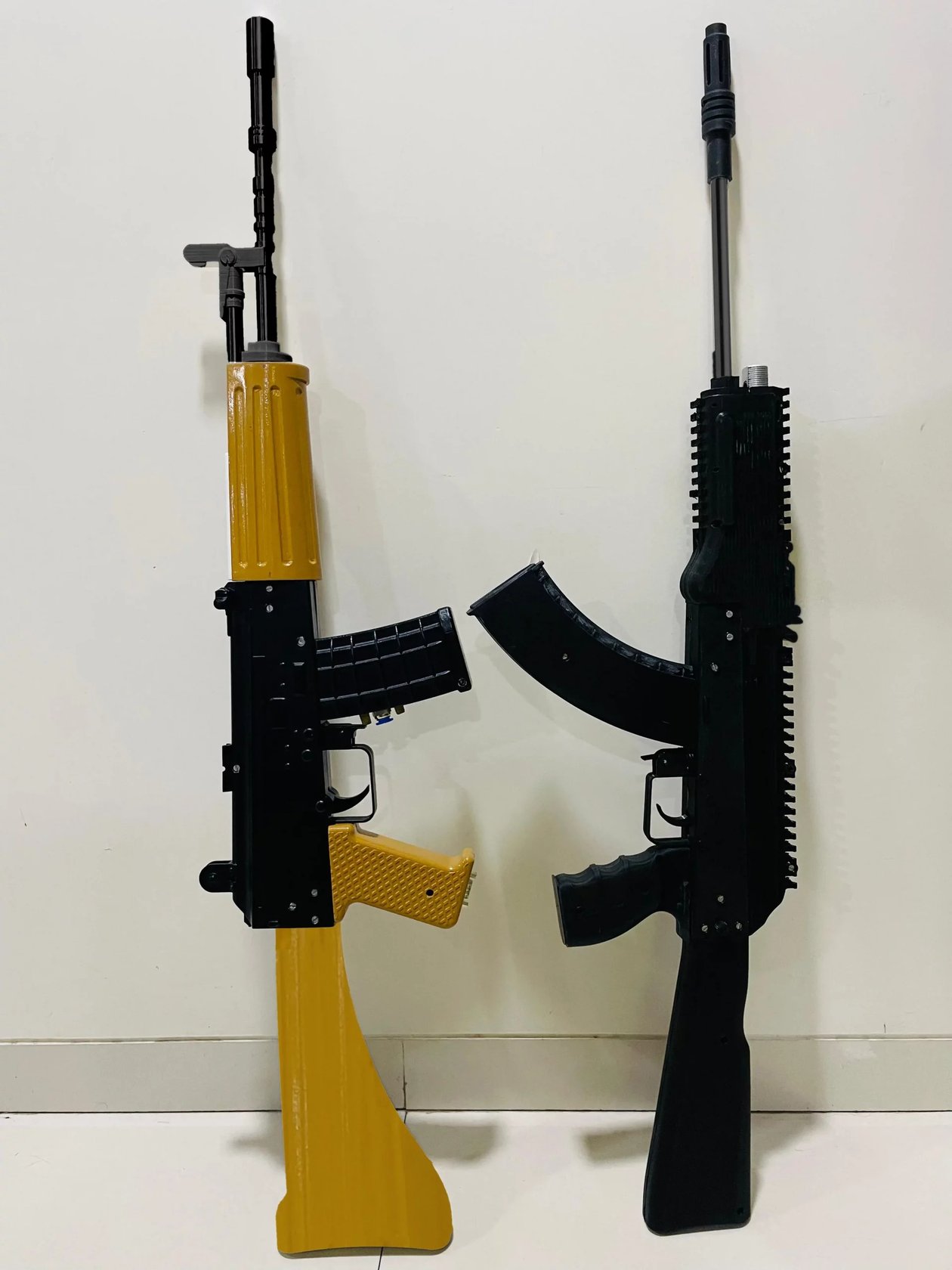
The key part of the system is the weapon replicas, with controls close to those of real firearms. Tecknotrove Systems claims to simulate the ergonomics, recoil and feedback of a shot. The list of supported weapons on the system's page includes 9 mm pistols: the Glock 17 and Glock 19, the MP5 submachine gun, the AK 47 and AK 203 assault rifles, the 5.56 mm INSAS rifle, light and medium machine guns, as well as the SLR 7.62. The set is, of course, geared toward the Indian market and the weapons inventory of its security forces, but the approach itself is clear: for different tasks the trainee picks up not a universal controller, but a replica of the corresponding type of weapon.
A separate instructor station is also provided, which once again points to how the simulator is meant to be used. It can be used to launch an exercise, watch the shooter's actions in real time, and then save and replay the session. It is this part that sets a professional system apart from a simple gaming system, since the training result is not limited to displaying the number of hits, but can be analyzed by the instructor after the exercise is over.
Software Capabilities
In basic exercises, such a system lets you learn to shoot a weapon and later improve your marksmanship. But its main feature is the ability to move from a single virtual target to training with various scenarios. In addition, Tecknotrove Systems claims support for group sessions and individually customizable missions, such as practicing actions in an ambush, defense, attack, counter-terrorist episodes and hostage rescue. It is important to understand that this is not a set of ready-made video games with a fixed storyline. The manufacturer explicitly speaks of creating exercises for a training goal or a specific customer task, so the final set of scenarios will depend on the training program in place.
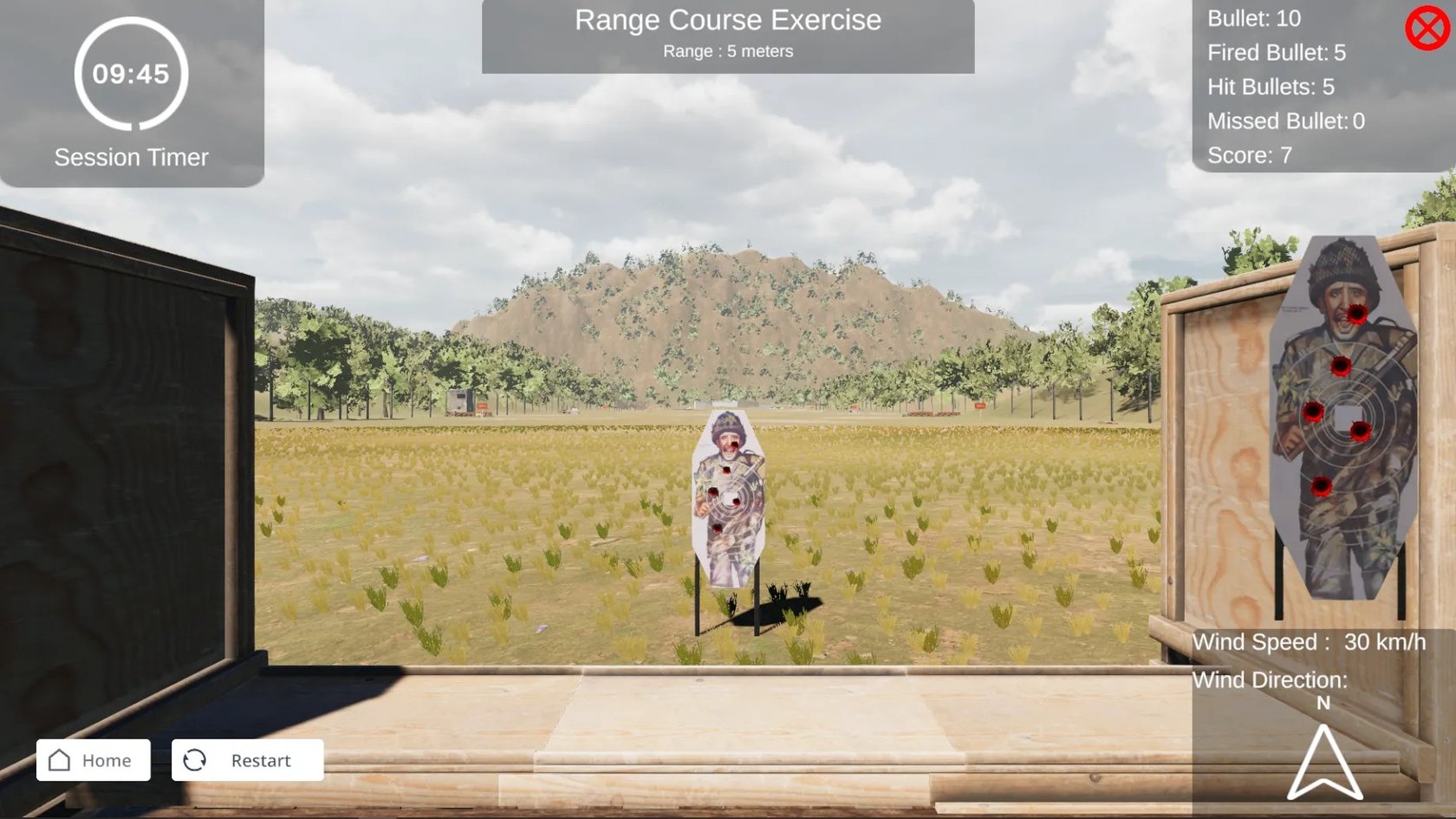
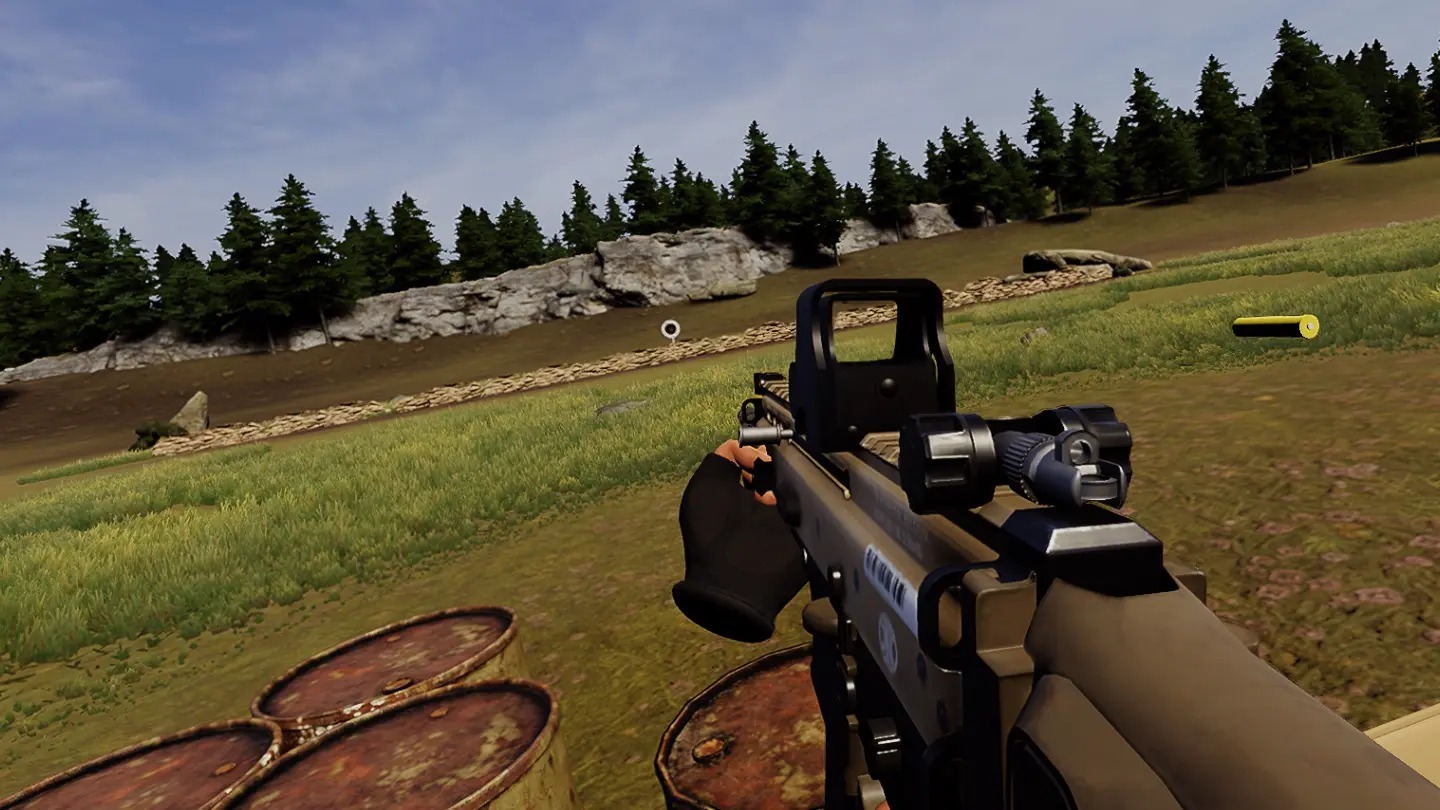
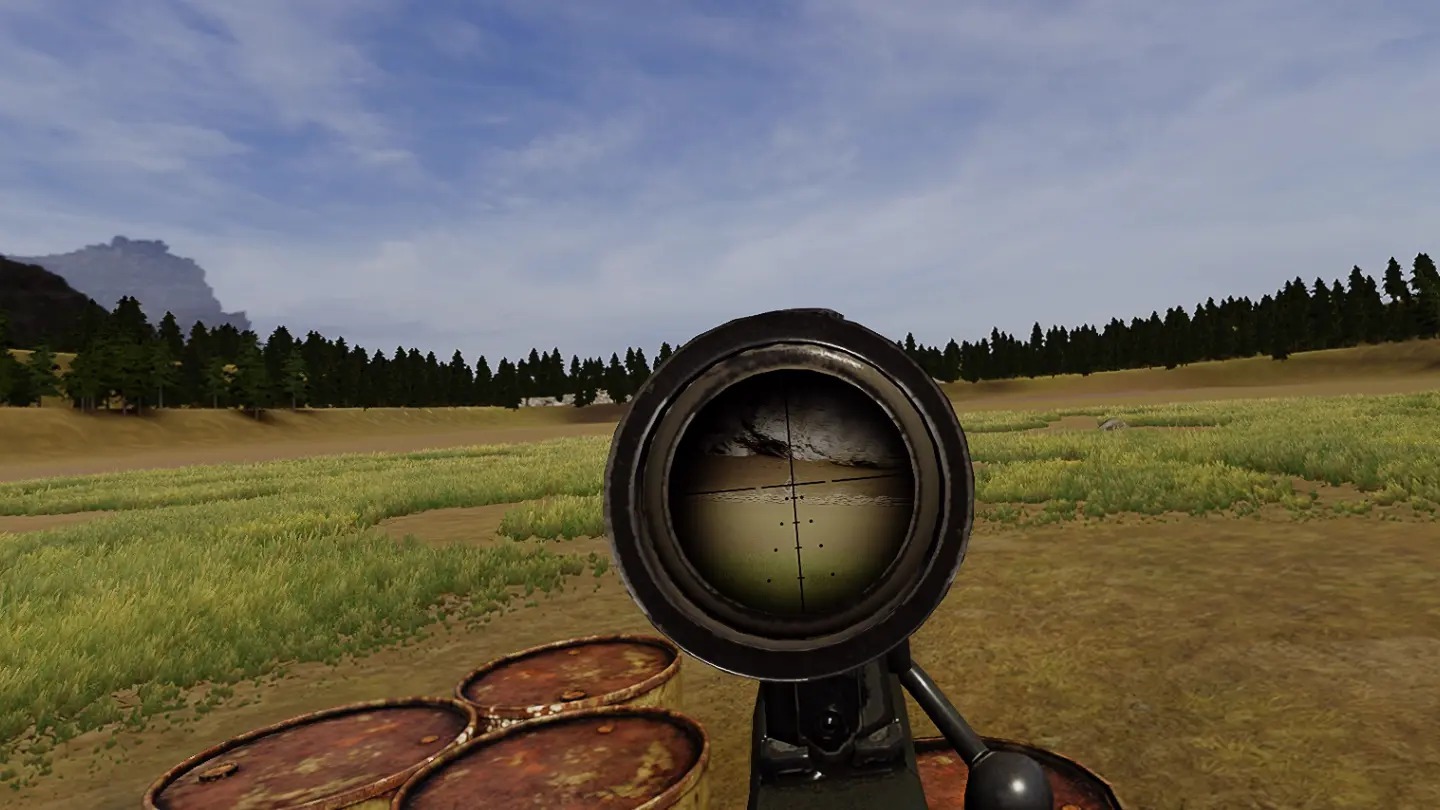
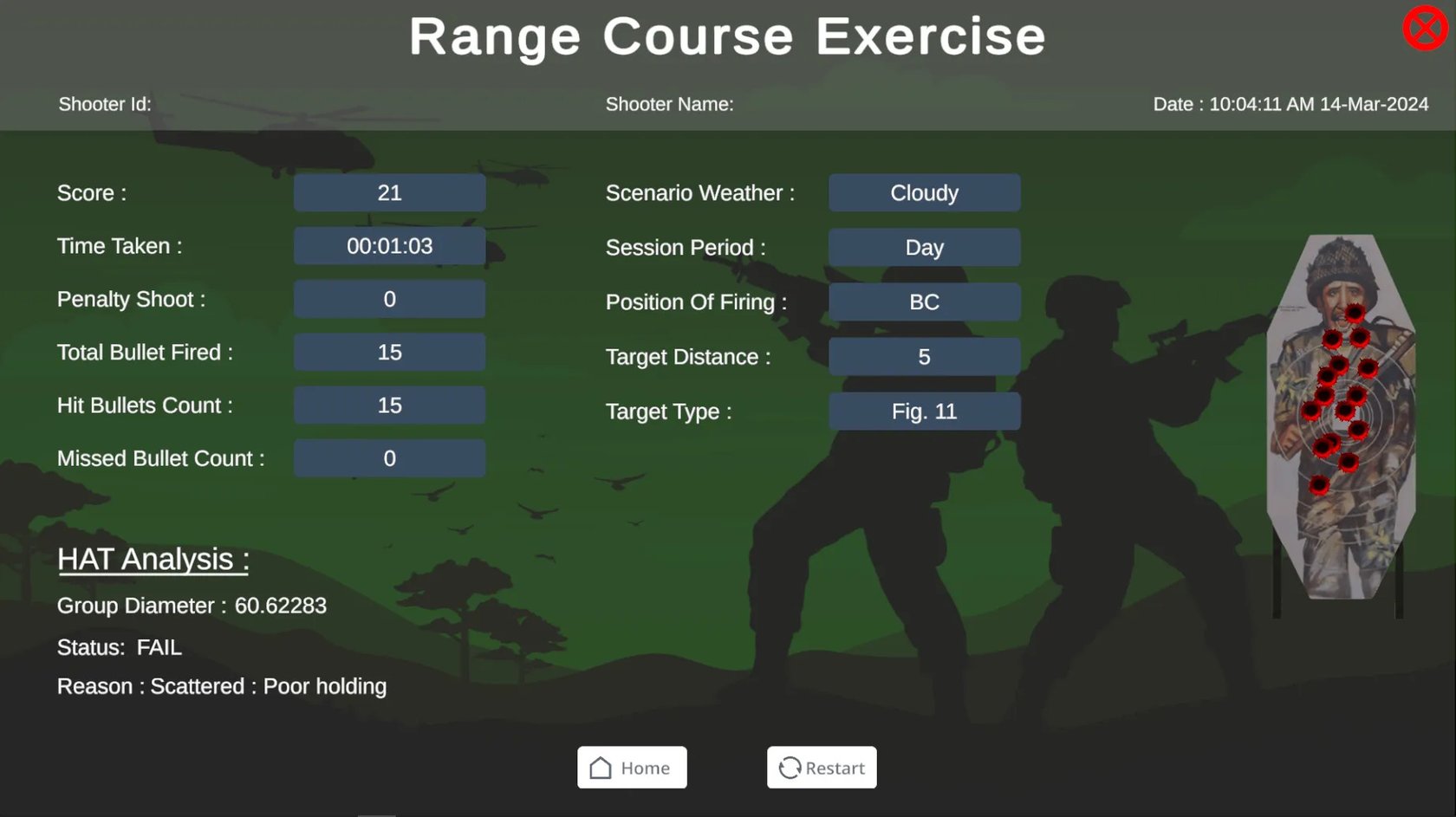
After the session, the instructor can review the results and also assess compliance with the safety rules for handling weapons. The recording and replay functions are needed not only to view the final statistics, but also to find mistakes in the shooter's actions and repeat the exercise after making corrections. This approach is especially useful in group work, where a single miss or a delayed decision can affect more than just the individual participant's result.
Feature Comparison
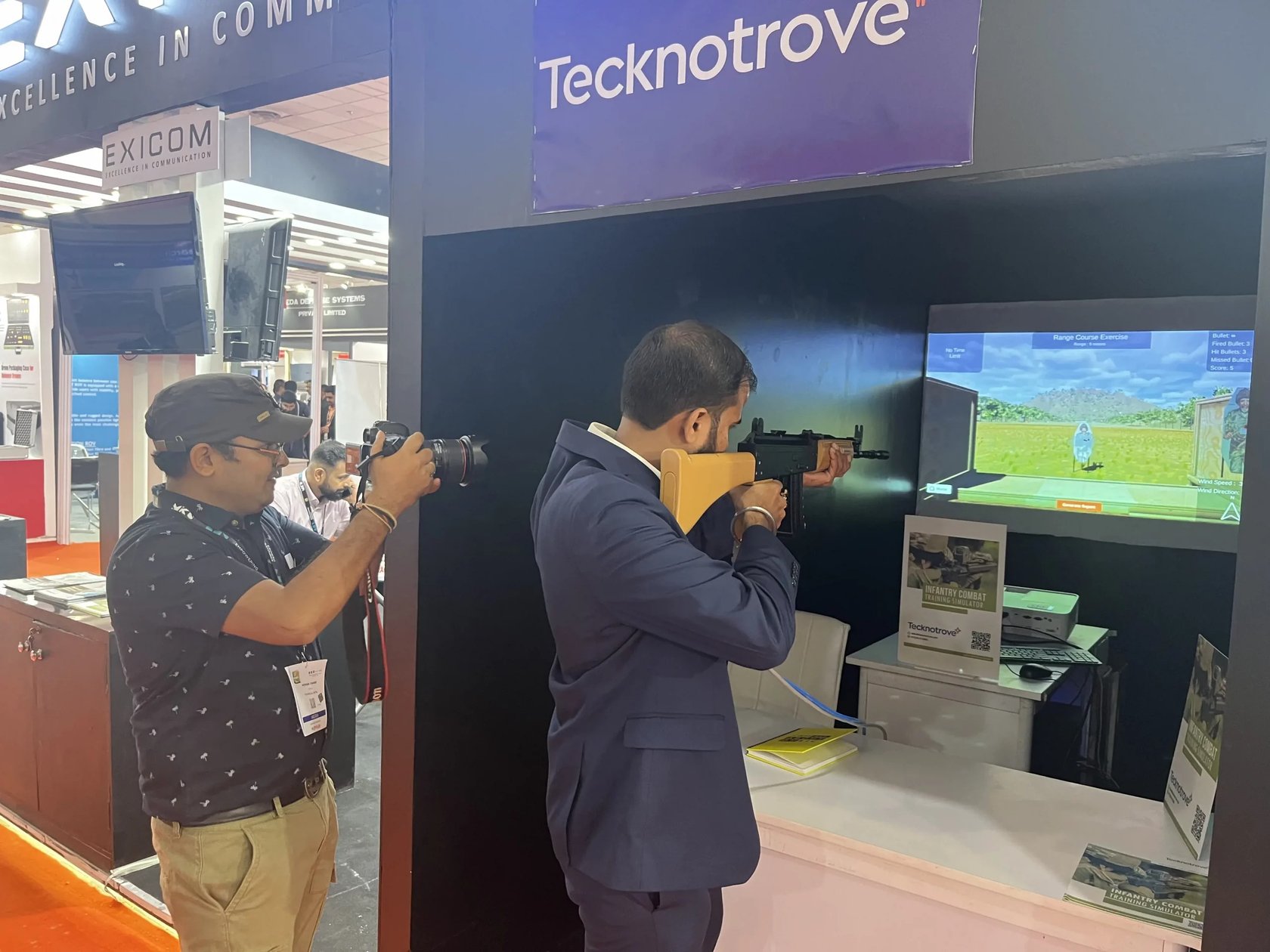
The Infantry Combat Training Simulator cannot be fully compared with the compact shooting simulators we have already reviewed in our blog, since it is a system for an equipped training classroom, designed for sessions run under an instructor's supervision. We saw something similar, only in a more serious execution and on a different scale, when reviewing the MMTS mobile shooting simulator from Laser Shot. In our opinion, the strength of the Indian system lies in the combination of a virtual projected environment with replicas of different weapon types, as well as recoil simulation and scenarios for several trainees. The very idea of working with a virtual target environment is well familiar to us from modern virtual shooting ranges. If we go into more detail, for example, about creating your own exercises or using scenarios, it is worth taking a look at Pro Target Constructor and Pro Tactical Constructor from our company SHOOTING-SOFT. The constructor lets you build a tactical target environment and use it for training scenarios. In this sense the approaches are similar: effective training should not come down to a static paper target alone; however, the Infantry Combat Training Simulator offers a ready-made specialized system built to the customer's specifications, while in the SHOOTING-SOFT ecosystem you can choose the software for an existing virtual shooting range or one being built. For a civilian shooter, this format will most likely be excessive, but for a training unit the ability to safely repeat exercises and review their results looks quite practical.